
Dell Inspiron 15 (Inspiron 15-3552) laptop — boots to BIOS & Windows setup, charger & accessories
Dell Inspiron 15-3552 laptop that boots to BIOS and Windows setup — includes Dell charger, wired + wireless mice and manuals. Shows wear; battery does not hold charge and charger needs testing.
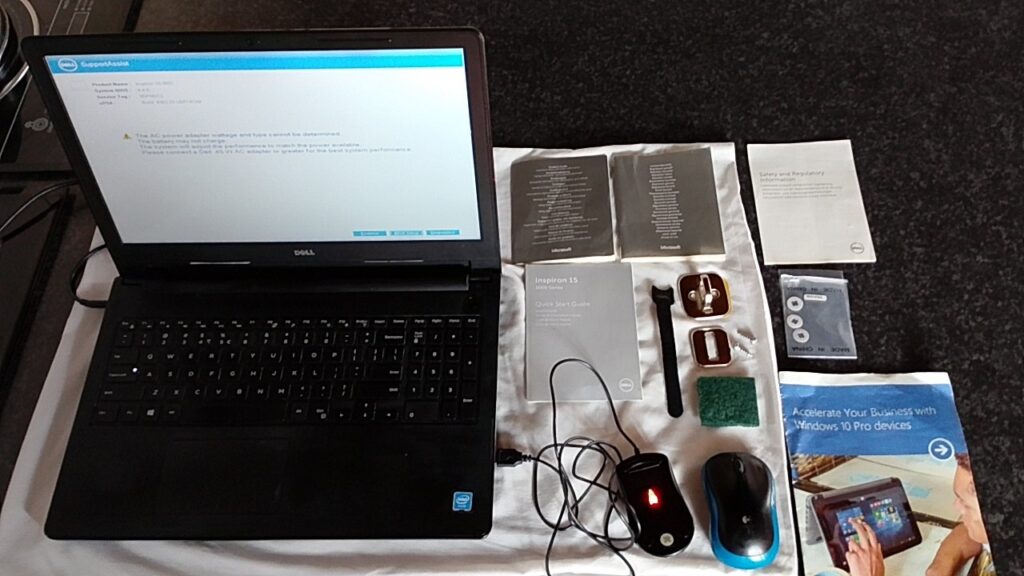
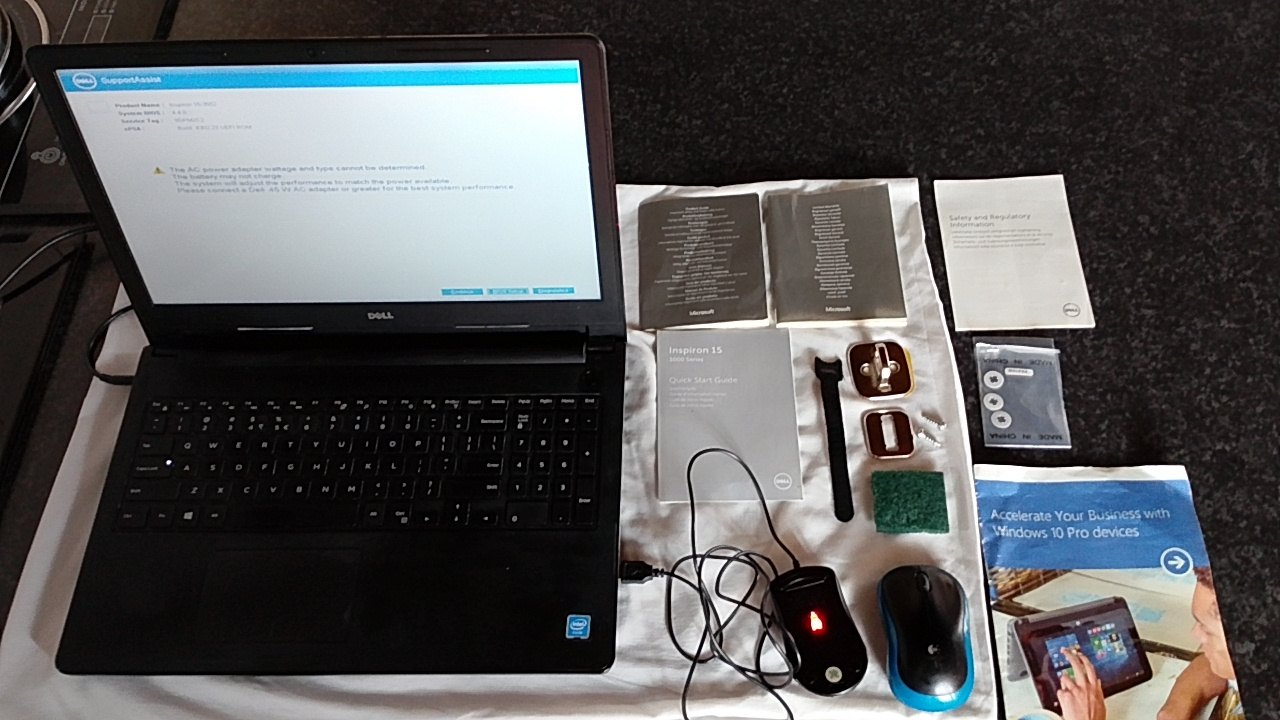 Photo 1 of 10
Dell Inspiron 15 (Inspiron 15-3552) laptop — boots to BIOS & Windows setup, charger & accessories
Use the arrows, thumbnails, or swipe to inspect the seller images. Double-click the image again to close the gallery.
Product description
Lot: Dell Inspiron 15 laptop (BIOS identifies Inspiron 15-3552) — shown powering to the Dell logo, SupportAssist screen and Windows setup. Photos show a Dell AC power brick and UK mains plug, a wired USB mouse, a Logitech wireless mouse with USB receiver, quick-start guides and small accessory screws/bracket pieces. The chassis and palmrest show surface wear, dust and minor scuffs but the display clearly powers up in the supplied images.
This machine is ideal for a technician, refurbisher or buyer who wants a low-cost working laptop to repair or configure. It will suit someone prepared to test or replace the battery/charger or to image/confirm storage and RAM. Use cases include workshop repair, classroom loan stock, a backup office laptop or parts for a similar Inspiron 15 series device.
- Includes: Dell Inspiron 15 laptop (Inspiron 15-3552 shown), Dell AC power brick + UK 3-pin plug, wired USB mouse, Logitech wireless mouse + USB receiver (battery cover removed), Inspiron manuals/quick-start guides, small screws, mounting bracket pieces, velcro strap and a small sponge/cleaning pad.
- Condition: Used — visible surface wear, dust and minor palmrest scuffs. Screen displays correctly in photos.
- Measurements: Not specified in supplied evidence; screen size and internal dimensions not provided.
- Working status: Worked last time / boots to BIOS, SupportAssist and Windows setup screens (photos provided). Seller states: “Works when battery is plugged in.” Adapter powers the laptop but battery charging is unconfirmed.
- Known faults & notes: SupportAssist reports “AC power adapter wattage and type cannot be determined” and warns the battery may not charge; supplied adapter powers laptop but does not appear to charge the battery; internal battery does not hold charge per seller; screen bracket is left faulty; charger/battery need testing. Installed RAM and storage not specified.